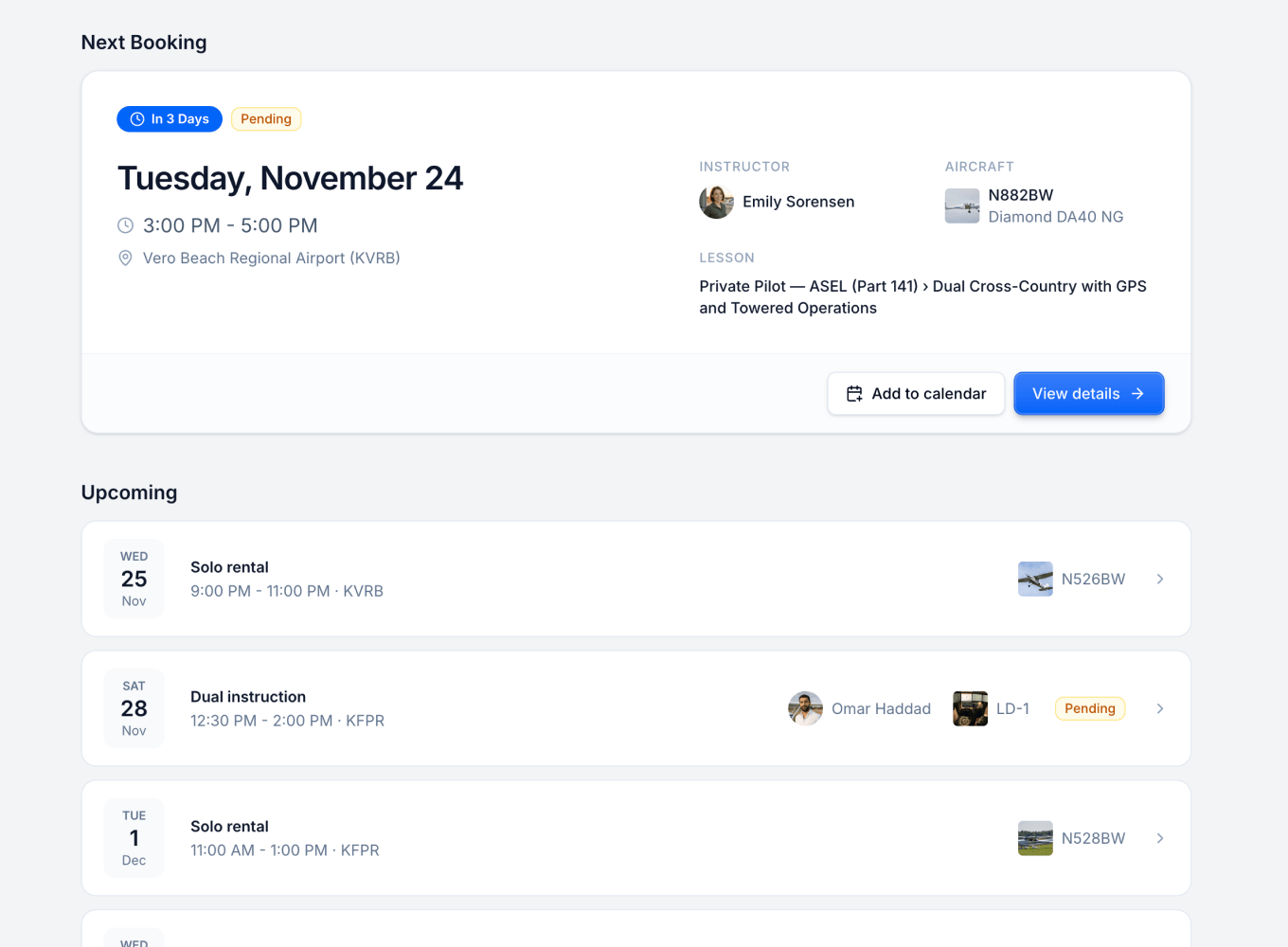
My bookings. Show each booking with its lesson, notes, flight log, lesson results and invoice, and let students cancel upcoming bookings or add them to their calendar.
Give students and renters their own portal to book flights, follow their training, add funds and report safety concerns from a phone or computer. Let the AI assistant answer their questions and book lessons with their approval.
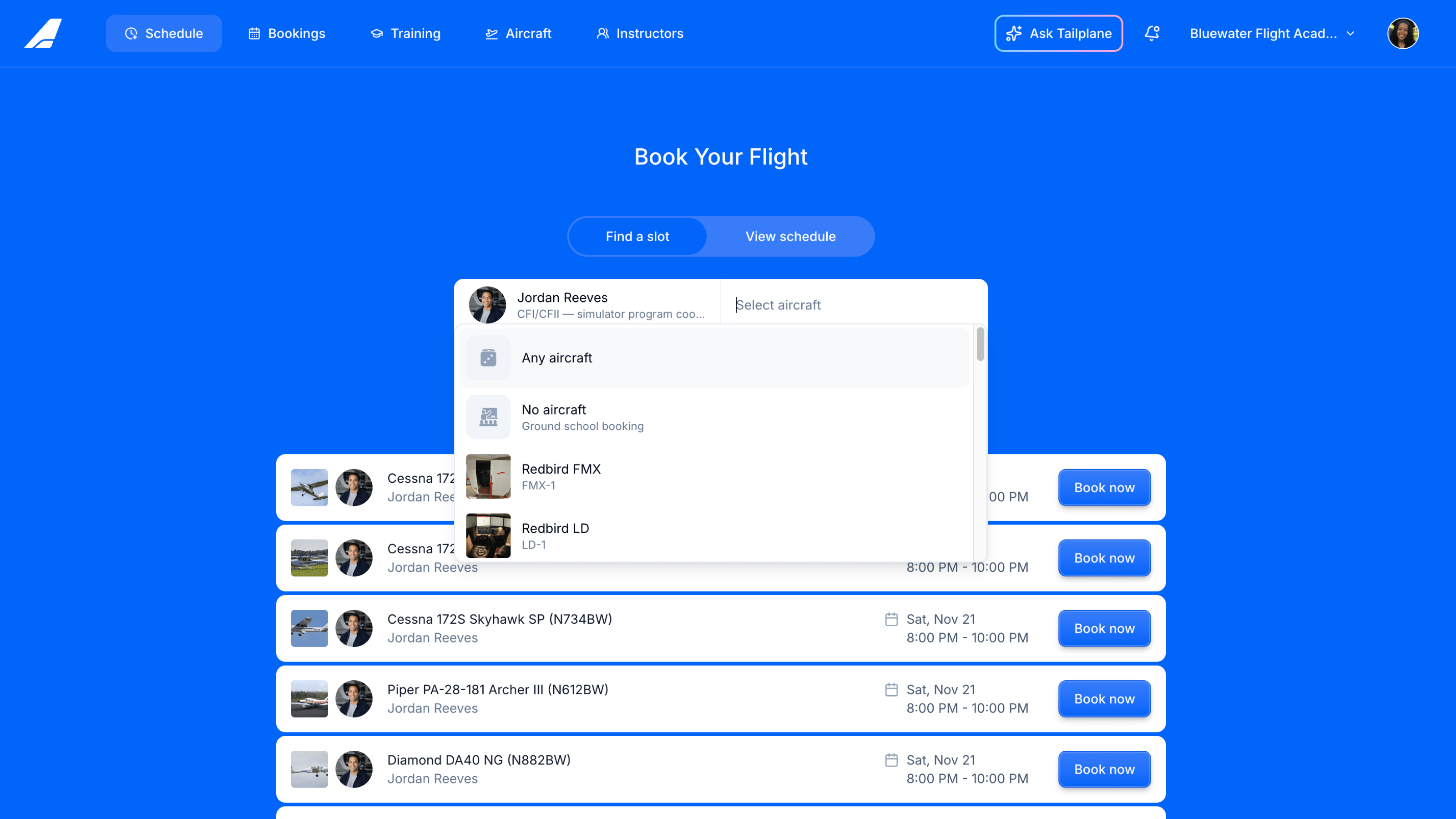
Find a slot. Let students search by instructor, aircraft, "any Cessna" or "any Cessna 172", date, duration and location, with results that update as they change a filter.
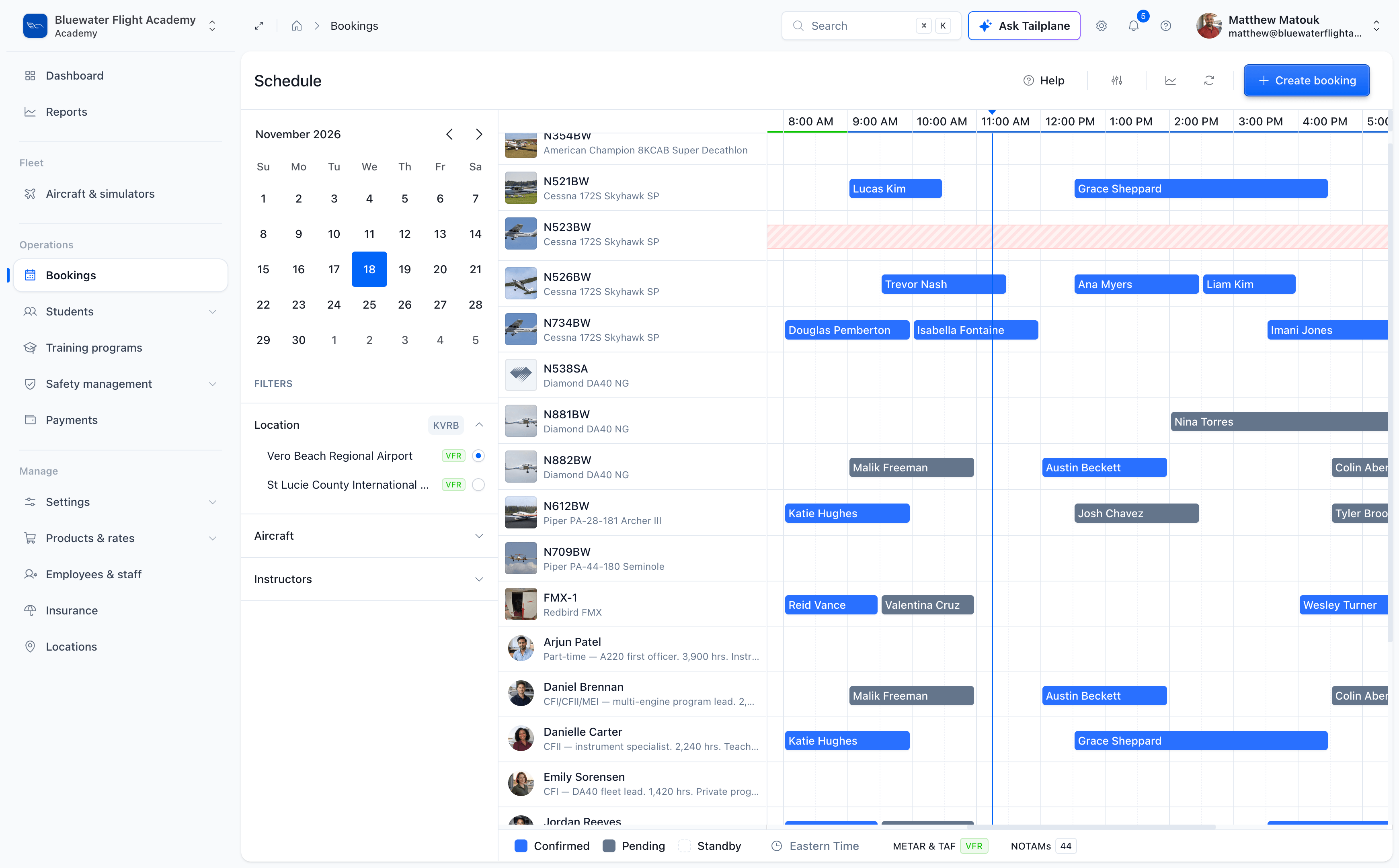
Pick a time on the schedule. Let students drag across a day view of your aircraft and instructors to choose a time, with other members' bookings shown as blocked time without names.
Live rule check. Verify each booking against your booking rules as the student fills it in, and show the reason when it isn't allowed.
Show students every upcoming and past booking, and where they are in each training program.
My bookings. Show each booking with its lesson, notes, flight log, lesson results and invoice, and let students cancel upcoming bookings or add them to their calendar.
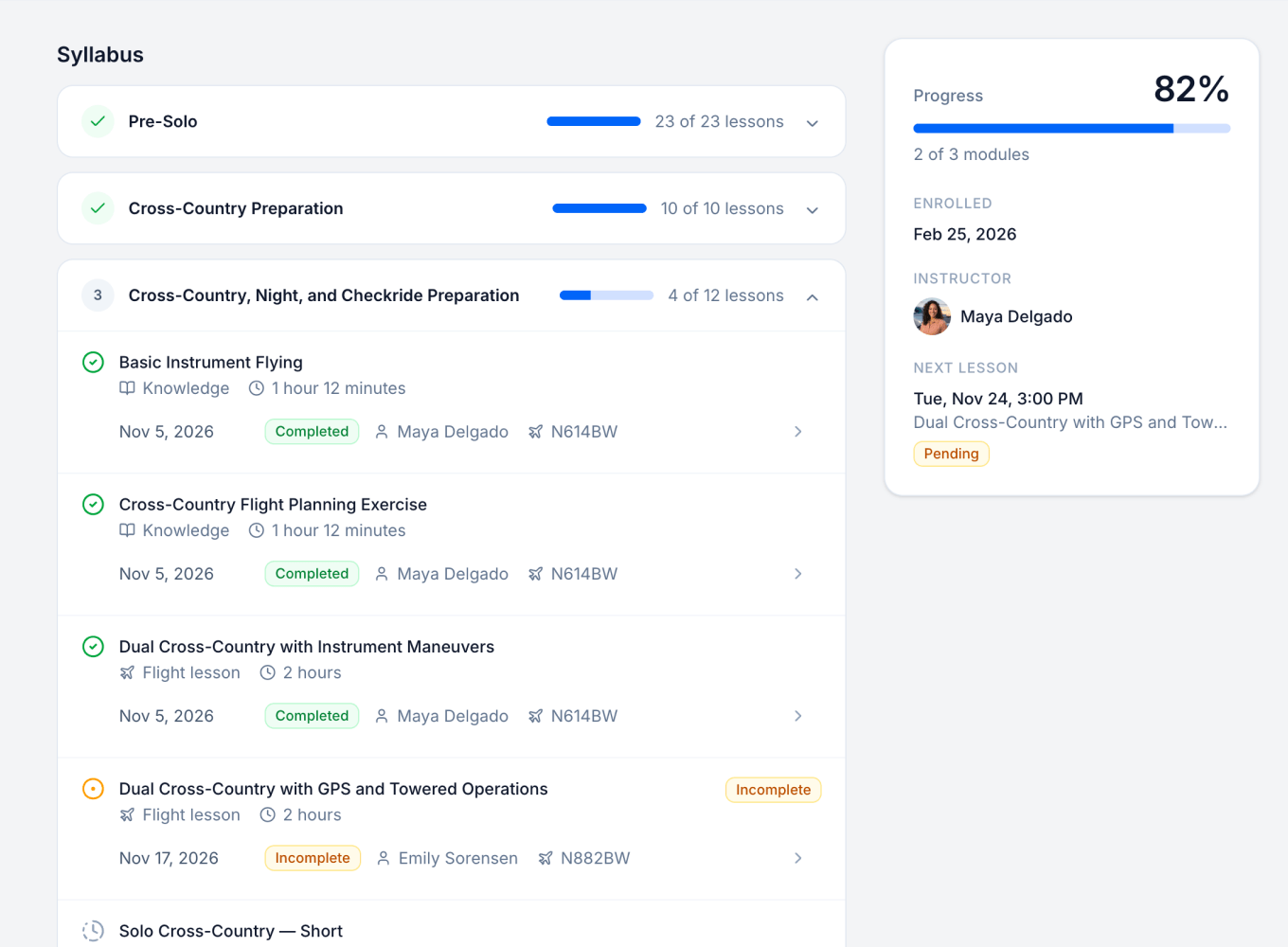
My training. Show each program's progress, current module, next lesson and instructor, with every lesson's status and attempts in the syllabus. Let students book their next lesson from the same page.
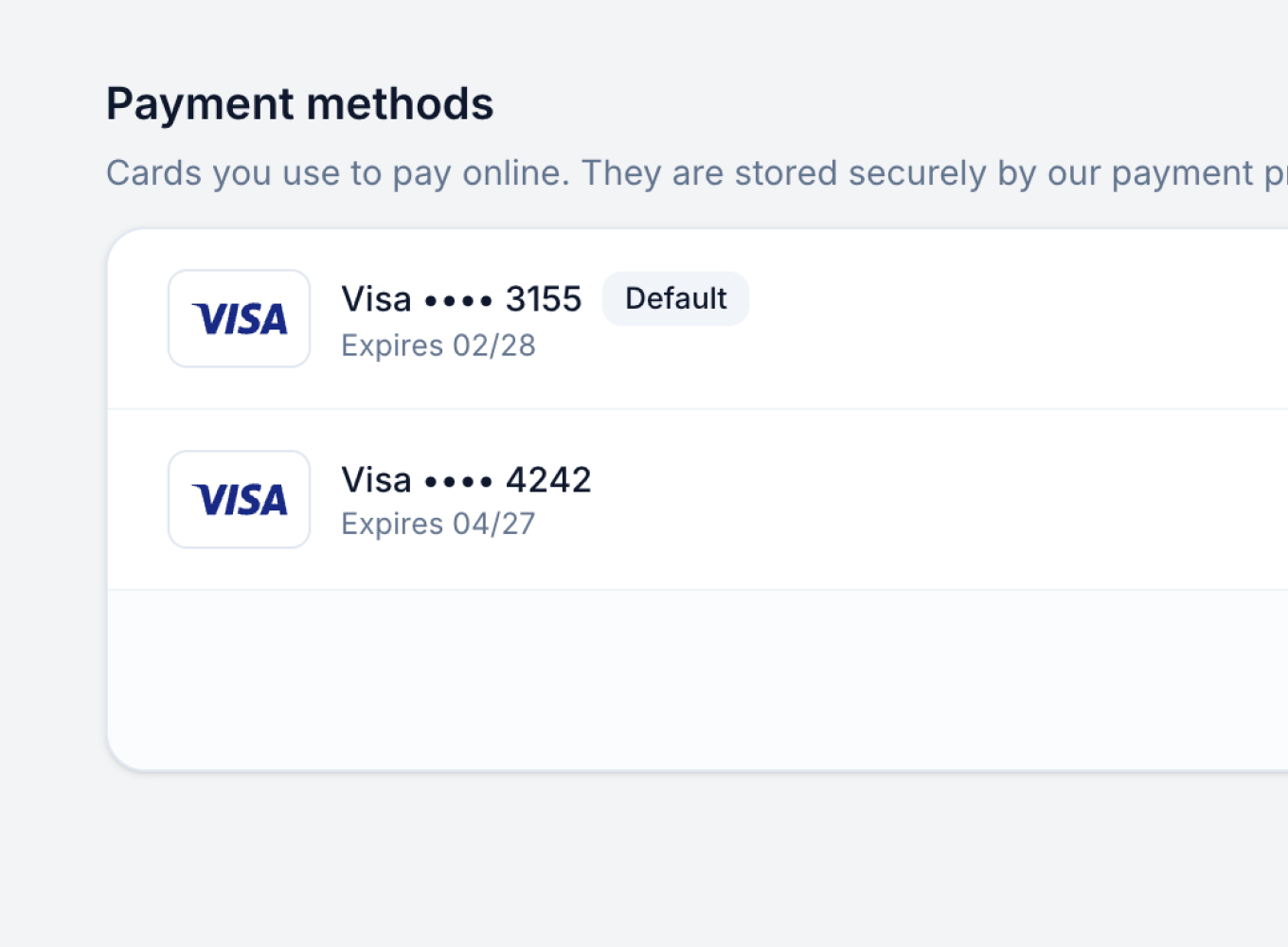
Balance and payments. Let students check their balance in each currency, save cards or bank accounts, and add funds from the account menu.
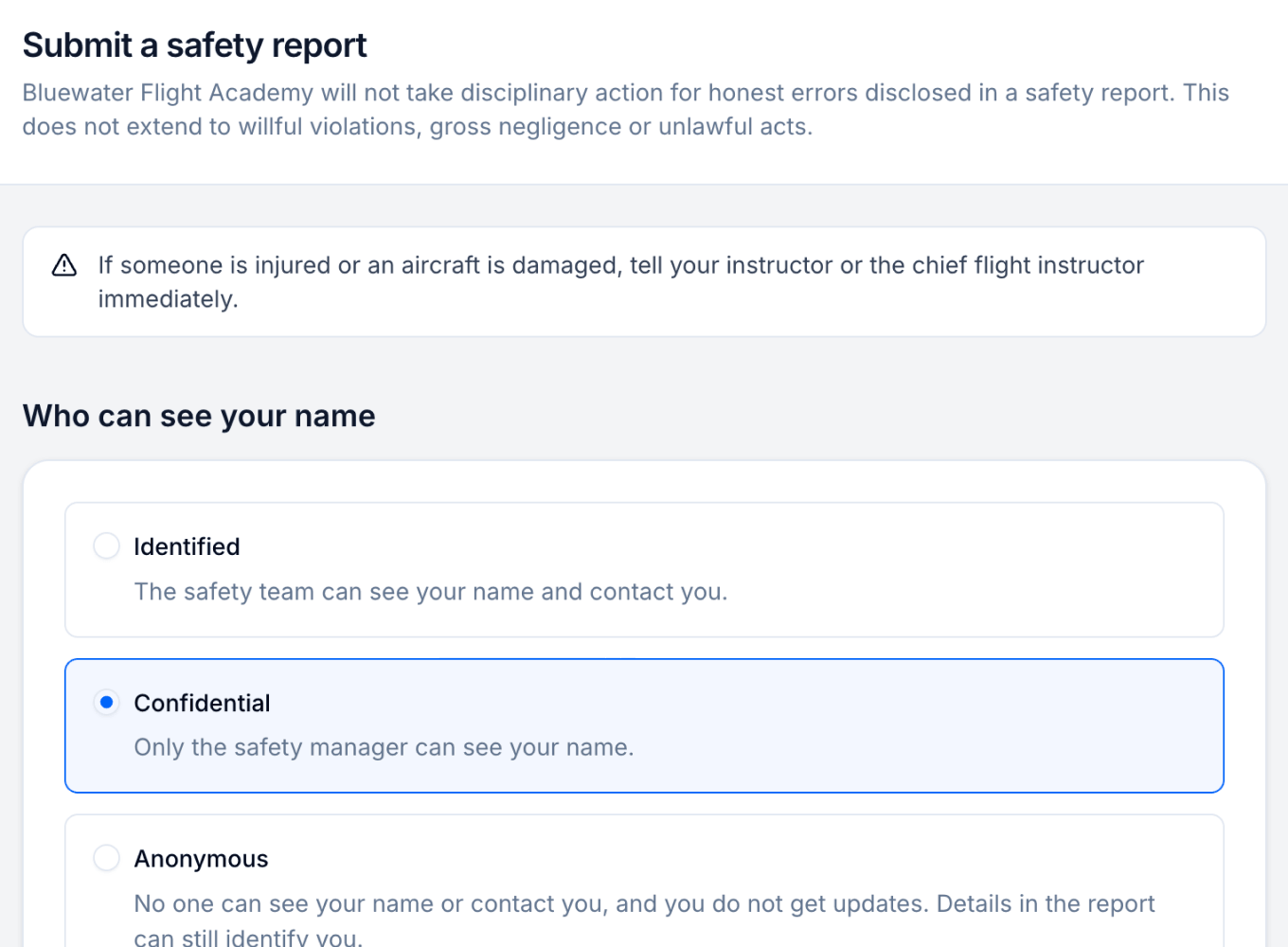
Safety reports. Let students report an occurrence as identified, confidential or anonymous, with ECCAIRS categories, aircraft from your fleet and file attachments, under your just-culture statement.
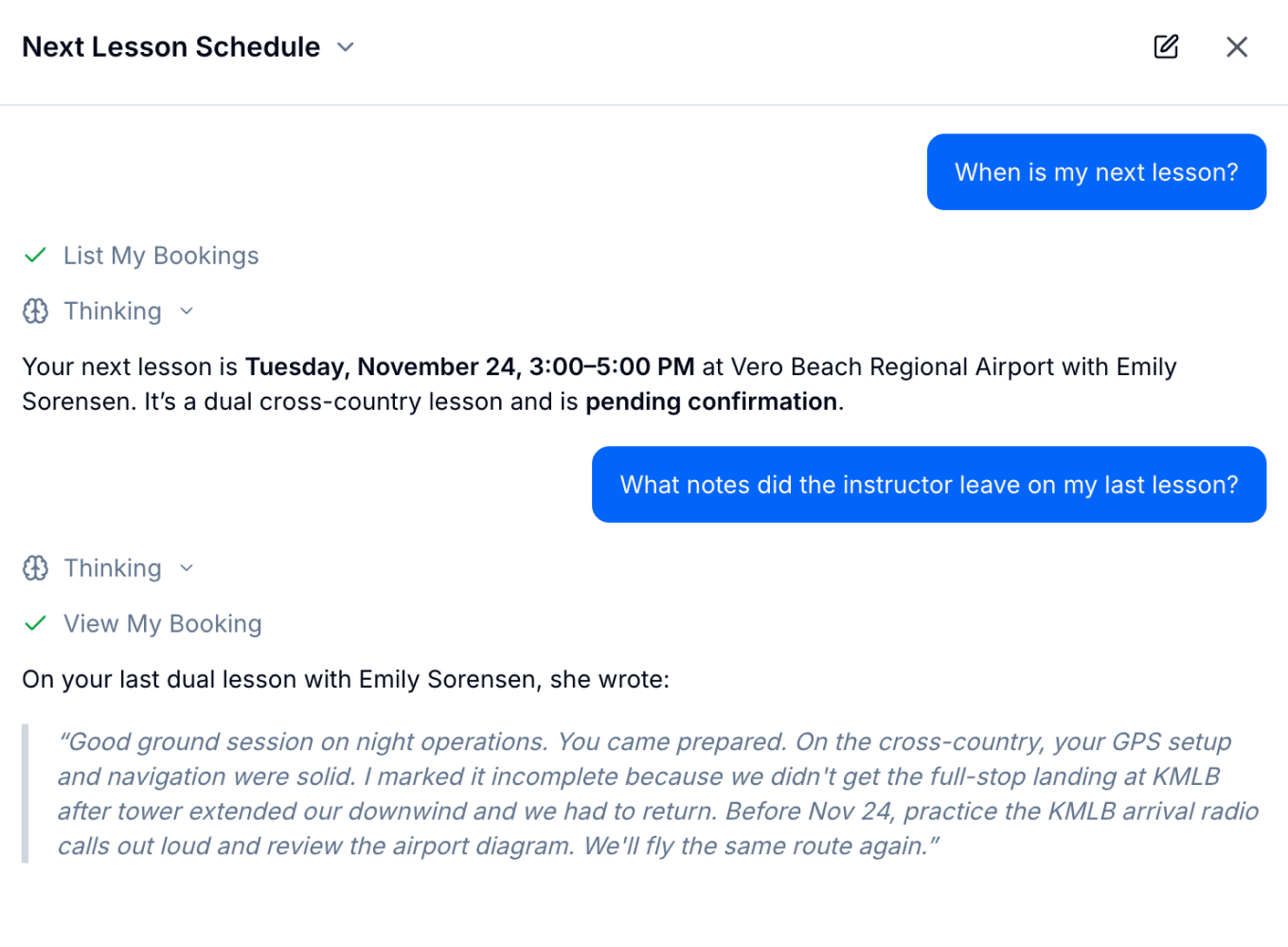
Ask Tailplane. Let students ask "When is my next lesson?" or "Book my next lesson." Anything that changes a booking needs their approval first.
Mobile optimized. Let students use the portal on their phone, with the main pages in a bottom tab bar.
Calendar sync. Let students subscribe to all their bookings in Google Calendar, Apple Calendar or Outlook, or download a single booking as a .ics file.
Aircraft and instructors. Show students your fleet with photos, specs and hourly rates, and your instructors with their bases and bios, each with a Book now button.
One account for every school. Let students who fly with more than one school or club switch between them without signing out.
Secure sign-in. Let students sign in with Google, Microsoft or a passkey, turn on two-factor authentication and review recent logins.
Notifications. Show booking updates in the notification bell, and let students choose which booking emails they receive.
Aircraft and instructor scheduling
Track aircraft and maintenance
Progress tracking and records
SMS and regulatory compliance
Invoicing and online payments
Ask questions and make changes by chat
Create your school's website