Use Tailplane from Claude or ChatGPT
The Tailplane MCP server connects your AI client to your flight school's schedule, fleet, safety, and billing data. MCP (Model Context Protocol) is the standard that AI clients use to work with other software.
Included in every plan at no extra cost.







Connect in four steps
- 1
Add a new MCP server or connector in your AI client, and enter the server URL.
https://mcp.tailplane.com - 2
Sign in with your Tailplane account.
- 3
Select the organization that the AI client can work with.
- 4
Approve the access. The AI client can now use Tailplane with your permissions.
AI clients that work with Tailplane
- Claude
- ChatGPT
- Claude Code
- Cursor
- VS Code
What your AI client can reach
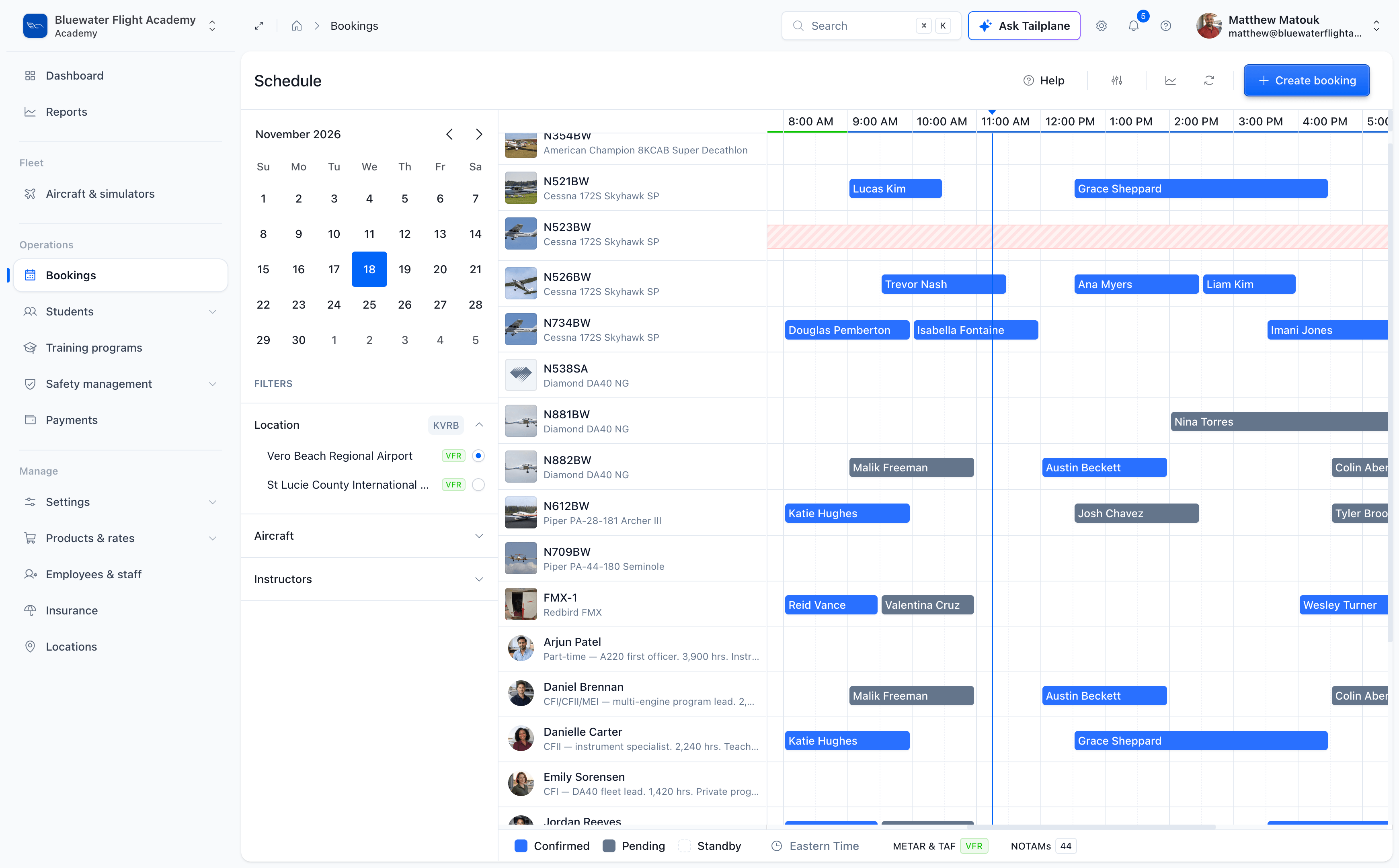
Scheduling. Find free slots, create and move bookings, and view the daily summary.
Fleet and maintenance. Check aircraft status, record defects, and track maintenance reminders.
Safety. Review reports, hazards, and risks, and add corrective actions.
Students and training. Look up members, course enrollments, and progress.
Billing. Show invoices, account balances, and pricing.
Reporting. Create reports on aircraft utilization and instructor activity.