Preflight Briefing
A preflight briefing is the instructor's talk with the student before a lesson. It covers the lesson objective, the maneuvers and the standard for each one, the weather, the NOTAMs and the go or no-go decision. Most briefings take 15 to 30 minutes.
What to cover
- Objective. The lesson from the syllabus, and what the student must show to complete it.
- Last lesson. What went well and what to repeat, from the instructor's notes.
- Maneuvers and standards. For example, steep turns at 45° of bank within ±100 feet of altitude, from the Private Pilot Airman Certification Standards.
- Conditions. The METAR, the TAF for the time of the flight, and the NOTAMs for the departure airport.
- Risk and go or no-go. The student's own limits, the aircraft's open squawks and the plan if the weather changes.
Send the plan the day before
Send the lesson plan the day before, so the student reads it at home and the briefing starts with questions. Many schools charge briefing time as ground instruction, so preparation at home also costs the student less.
Share the lesson plan before the student arrives
Add a planned lesson from the student's course to the booking. Booking emails show it as "Course > Activity". Add notes for the student, such as "Read the steep turns section before Thursday". Notes appear in the student's emails, in the student portal and on the lesson record PDF. Internal notes stay with staff.
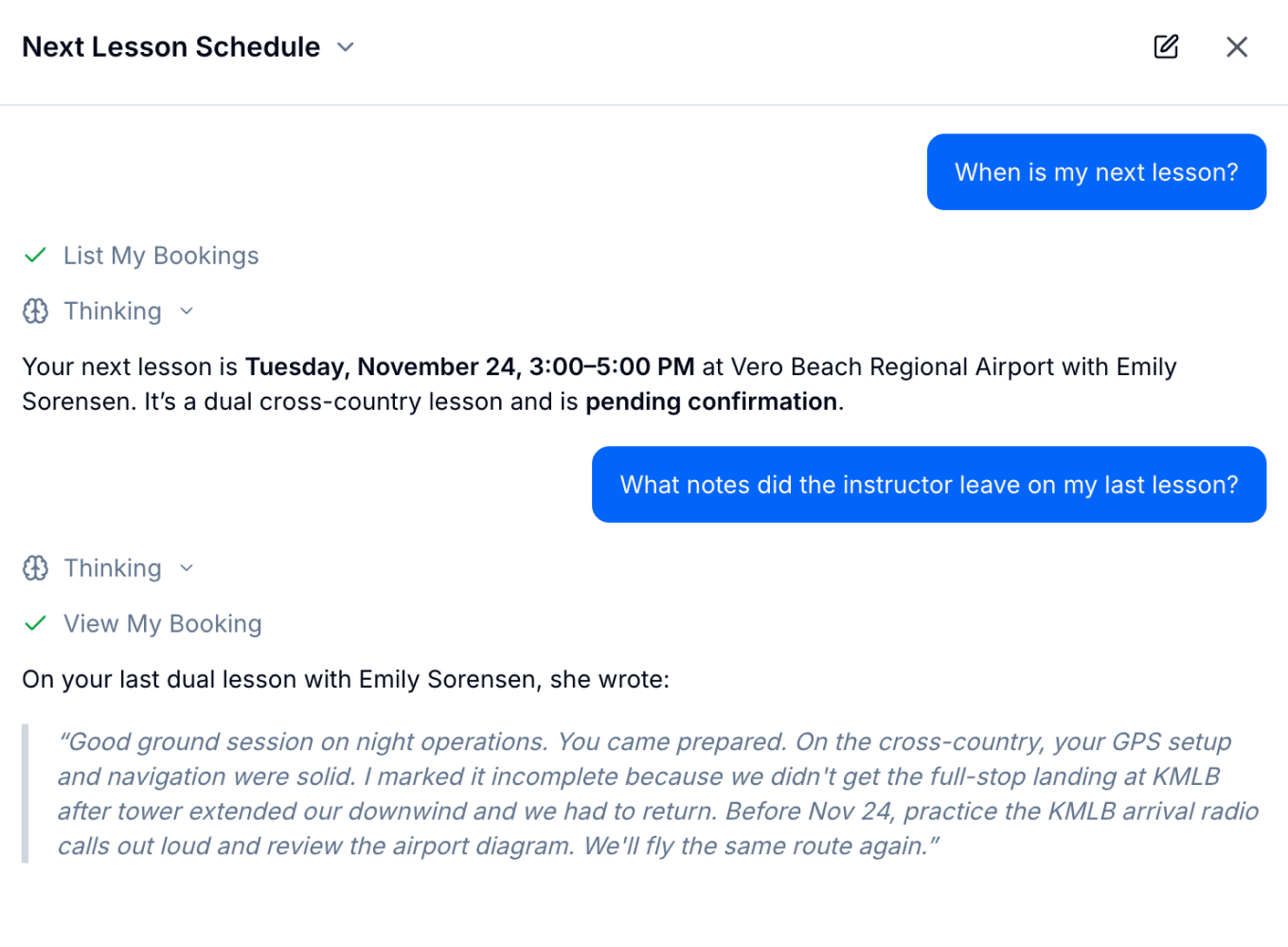
Let students ask the AI assistant "When is my next lesson?" or about the notes from the last lesson. Answers come from the school's own data. Students also see the next lesson and the full syllabus in the student portal.
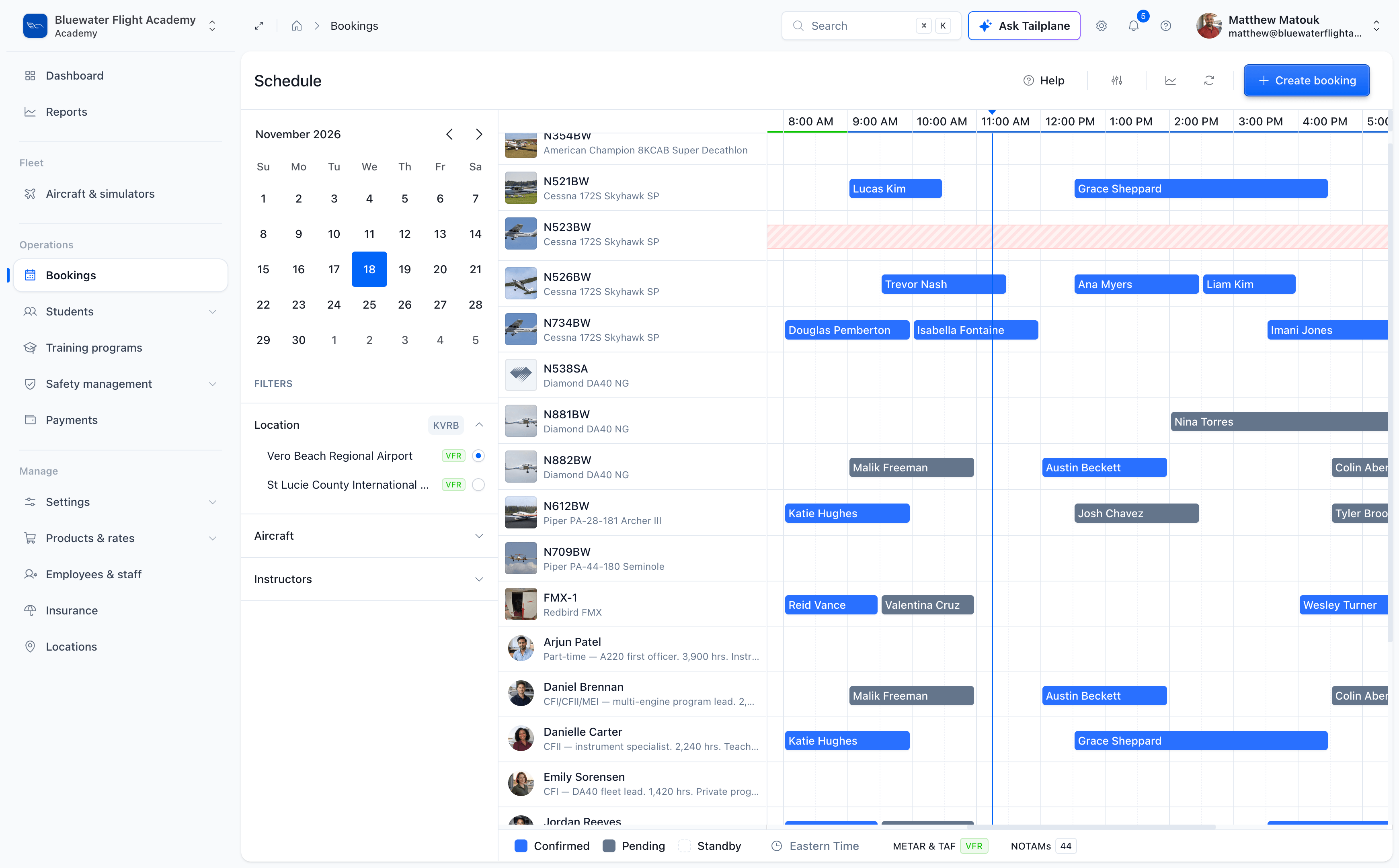
Each instructor sees the day's bookings in My day, with the student, aircraft, planned lesson and notes. The location summary shows the latest METAR and TAF and the latest NOTAMs for the base. Record briefing time in the postflight debrief as its own time entry, for example "Briefing".